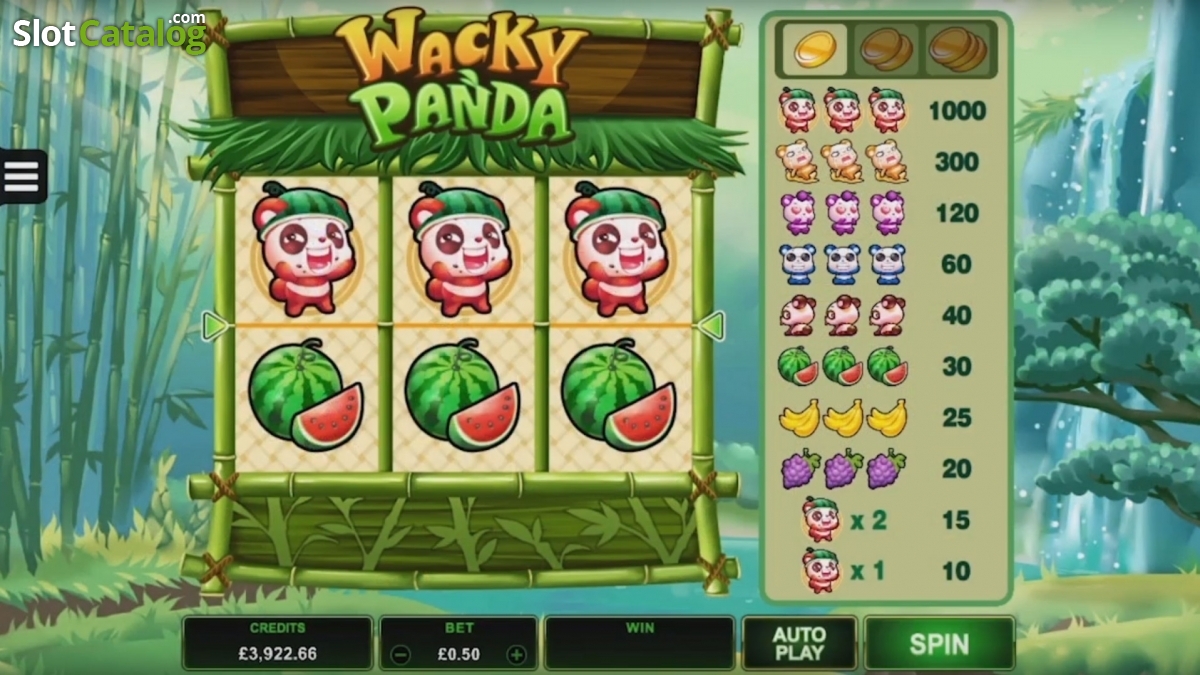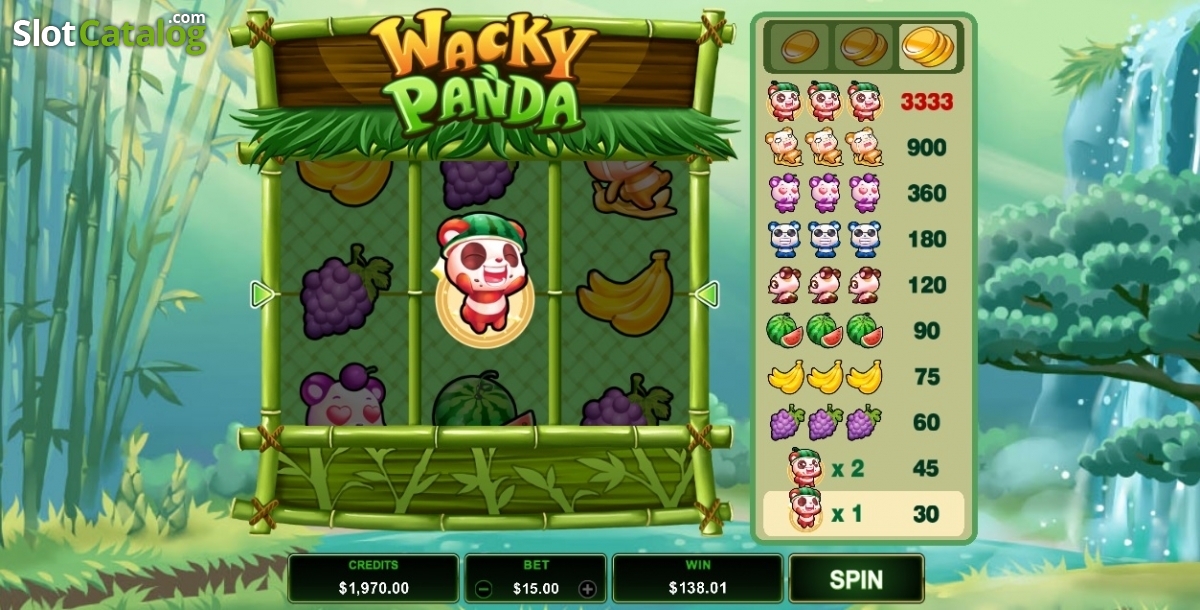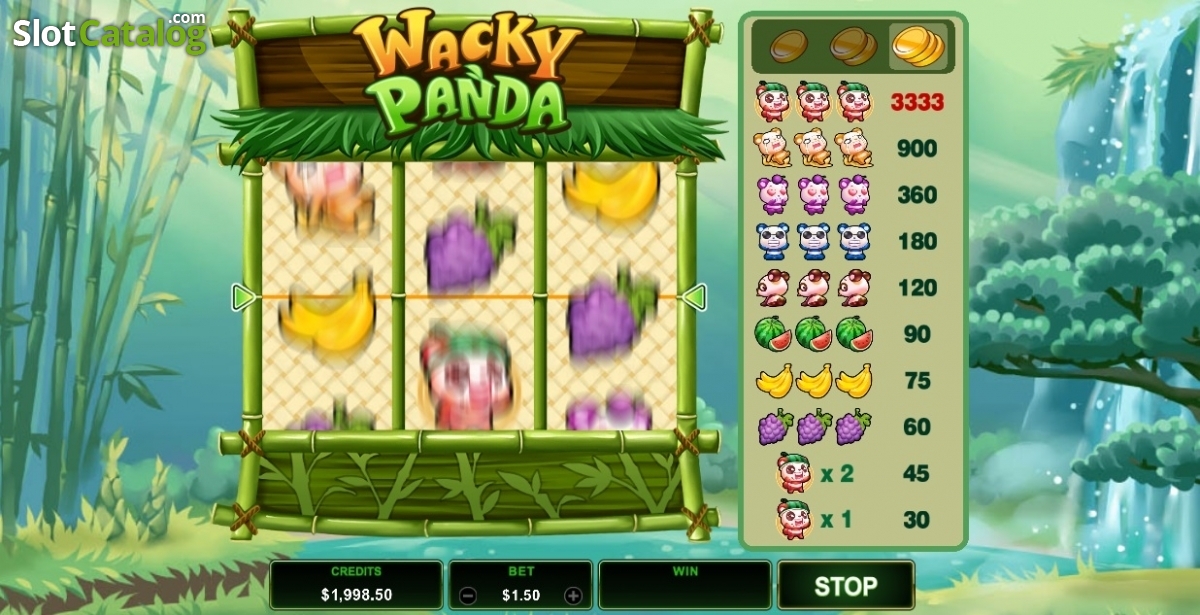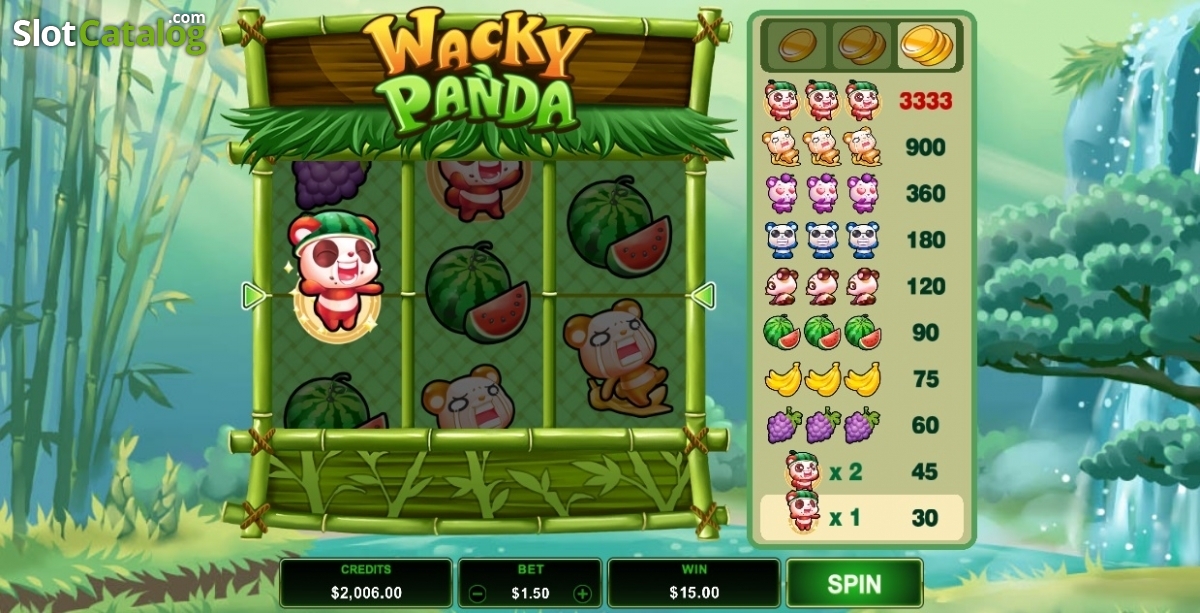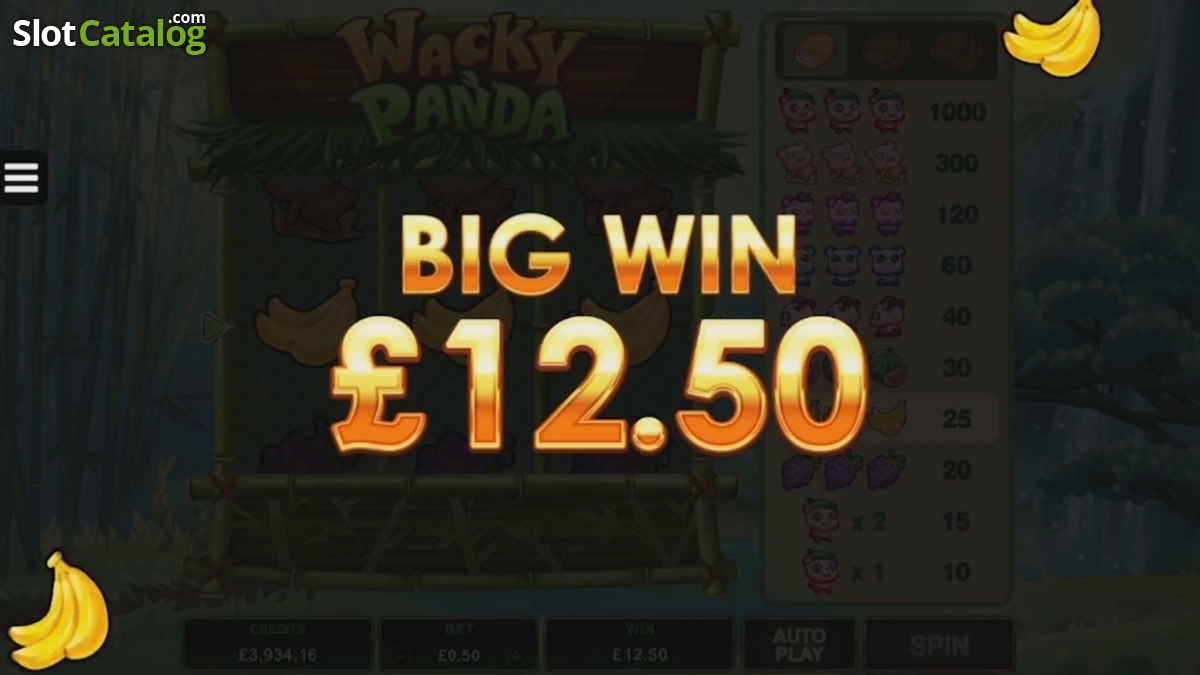
The original game in a small reel window
Wacky Panda is the compact Games Global title with three reels, one row and one fixed payline. Its bamboo frame and fruit symbols give it a classic fruit-machine feel. The main task is to read the line and the award shown after each spin, rather than follow a collection meter or an expanding board.
Keep the full name in view when choosing a game. Wacky Panda Power Combo has a different layout and feature system; Wacky Panda Mania is also a separate title. A shared panda theme does not make their rules interchangeable.
How to use the Wacky Panda demo
Open the player with the demo button, then look for the balance, total bet and information menu. Practice credits let you explore the controls. Choose a coin setting you can read comfortably and check the total cost before starting a spin.
Follow one result from start to finish: note the bet, watch the line settle and compare any highlighted symbols with the paytable. If you change the coin setting, reopen the table before comparing the next result. Use Close demo when you finish; a full-screen view only changes the display.
Wacky Panda demo: a quick practice checklist
Use this sequence to connect the controls with the result you see. Jump to the linked guide section whenever you need more detail.
| Step | What to check |
|---|---|
| 1. Identify | Confirm you opened the original three-reel Wacky Panda. Power Combo and Mania are separate games; their rules do not apply here. |
| 2. Set | Read the virtual balance and coin value, coin count and total bet. Keep the same setting while learning how an award is displayed. |
| 3. Compare | After the reels settle, match the highlighted result to the paytable and the selected coin column. A screenshot using another setting can show different amounts. |
| 4. Finish | Choose Close demo to return to this guide. Practice credits cannot be withdrawn, and a short session cannot predict later results. |
For a small player or a loading message, see the phone and availability guide. You can also read how this independent guide is compiled.
Coins and total bet are different controls
The original game uses one to three coins per spin. The coin value and selected coin count together determine the total bet. For example, a coin value of 0.10 with three coins gives a total stake of 0.30. This is a calculation example, not a current minimum stake or an instruction to increase it.
Read the total-bet display each time you alter either control. An award expressed in coins needs the matching coin value and paytable column before it can be understood as a currency amount. The amount printed in a screenshot may come from a different configuration.
What to look for in the paytable
Fruit symbols occupy the lower end of the table, while the coloured pandas sit above them. The red panda wearing a watermelon hat is the distinctive top symbol. Its entry deserves a closer look because the original rules include awards for one or two of that symbol as well as a full combination.
Ordinary matching combinations follow the single line from left to right, starting on the first reel. Use the highlighted result and the matching table entry together. Do not assume that three different pandas form a win simply because they belong to the same theme.
RTP and the selected coin setting
PokerStars describes different theoretical returns for the original game: 95.81% with one or two coins, and 95.94% with three. These figures describe that published configuration; check the help in the player for the version you actually open.
RTP is a long-run mathematical measure, not the return from a short practice session. A higher coin count also changes the total stake. It does not make an individual spin predictable, and raising the bet after a loss does not recover that loss automatically.
A base game without a bonus trail
The original Wacky Panda stays on its single payline. It has no wilds, scatters, free-spin round or respin feature in the rules described by PokerStars. You therefore do not need to wait for a feature meter to fill before understanding the normal result.
This makes the paytable especially useful: the symbols, coin count and award column are the whole reading exercise. If you see jackpot collectors, expanding rows or a Link&Win feature, check whether you have opened Power Combo instead.
Opening the demo on a phone
Keep the balance and spin controls visible together. If the player looks too small, try the available full-screen control or rotate the phone when the provider supports it. Return to the normal page to read the guide or close the session.
Availability depends on the provider and your location. If a restriction message appears, follow it. For an ordinary loading fault, close the player and try one fresh session; repeated reloads will not resolve a country restriction. The written guide and game images remain available on this page.
A useful way to compare practice results
Use a short session to learn where the controls are and how the game reports an award. Keep the same coin setting while comparing examples, so that a different table column does not confuse the comparison.
A practice balance is virtual and cannot be withdrawn. Neither a run of small wins nor a long losing sequence establishes what the next spin will do. Set a time limit before opening the player and stop when that time is up.
Wacky Panda questions
Who makes the original Wacky Panda?
The original title is in the Games Global portfolio. This guide covers its three-reel, single-line format.
Does it have free spins?
The original rules described here have no free-spin bonus. Power Combo and other similarly named games have their own mechanics.
Why does the paytable change with coins?
The selected coin count determines which award column applies. Check both that column and the total bet when adjusting the controls.
Does the demo require registration?
The existing demo launcher opens an external provider. Access is controlled by that provider; use the written guide if a location or availability message prevents play.
Can I withdraw a Wacky Panda demo balance?
No. Practice credits are virtual and cannot be withdrawn. Use the practice checklist to learn the controls and read the paytable, rather than treating a demo balance as money.
Why is the Wacky Panda demo not opening?
Read the provider message first. A country restriction means the player is unavailable in that location; repeated reloads will not resolve it. For an ordinary loading fault, close the player and try one fresh session. The written guide remains available.
Where can I check the rules before playing?
Start with coins and total bet, then read the paytable guide. When the player is available, check its information menu for the configuration you actually opened.